Masterplan saves recipes from Instagram, TikTok, the web, or a photo — then plans your week and writes your grocery list for you.
 Free on iPhone
The magic trick
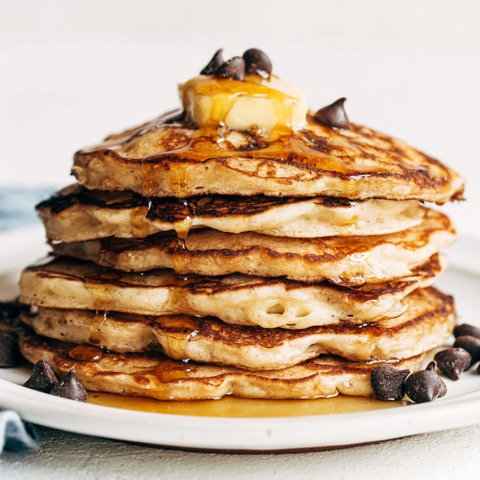
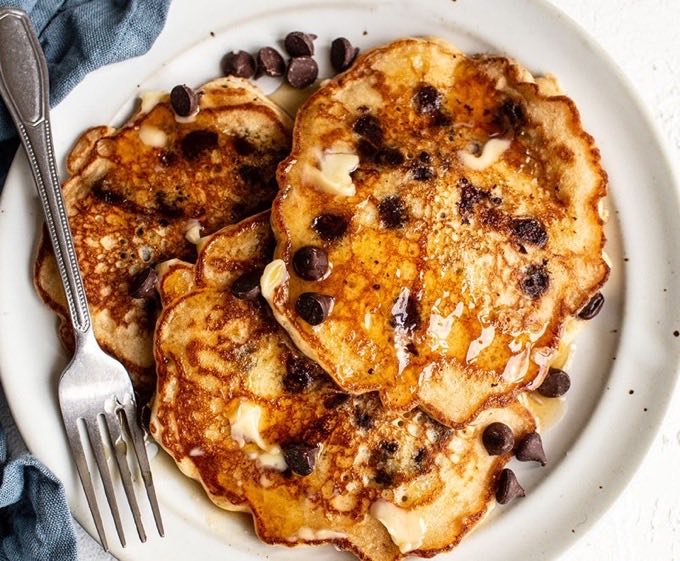
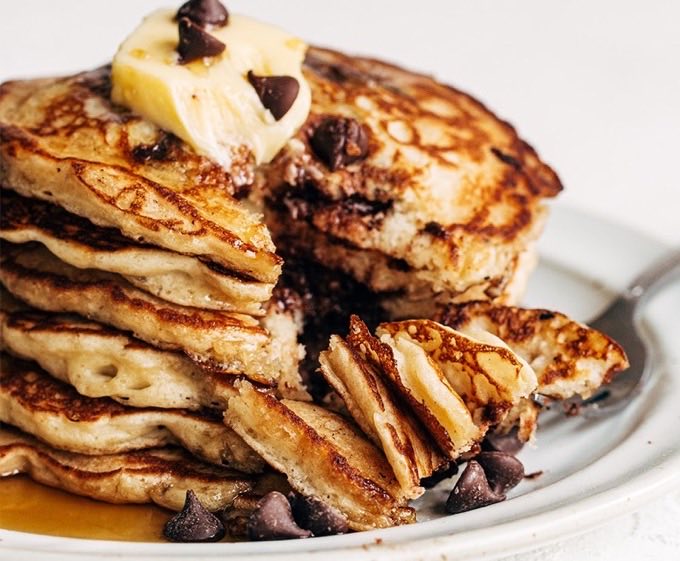
See a recipe you love? Share it to Masterplan and it becomes a complete recipe profile — photos, ingredients, step-by-step instructions, nutrition, cook time, yield, and your notes. Every detail, in its place.
 Instagram
 TikTok
 Pinterest
Your cookbook
Collect recipes into one beautiful cookbook. Organize with collections, find anything instantly, and share a recipe — or a whole collection — with a link.
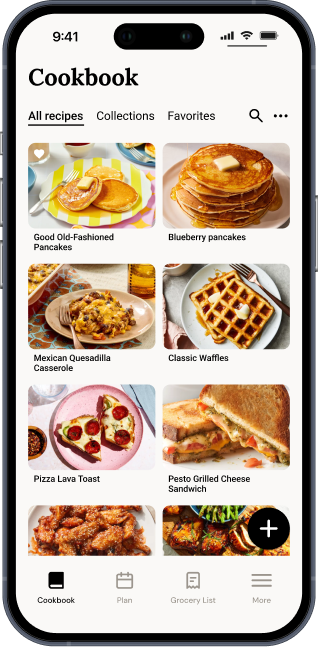
Meal planning
Lay out breakfasts, lunches, dinners, and snacks across your week. Glance at today, swipe through the week, or zoom out to the whole month.
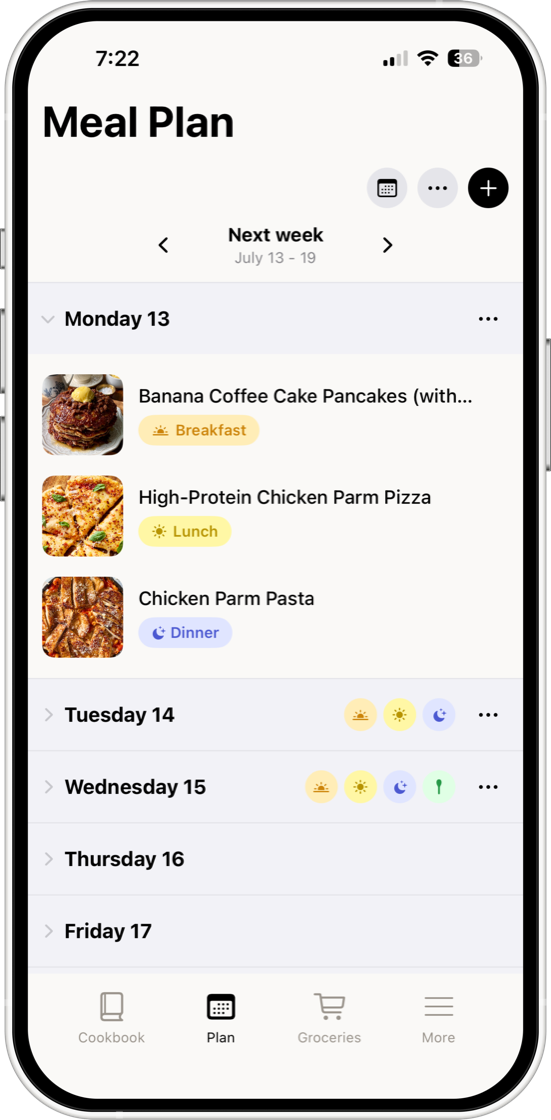
Groceries
Add a recipe to your plan and its ingredients appear on your list, grouped by aisle and ready to shop. Toss in your own staples alongside.
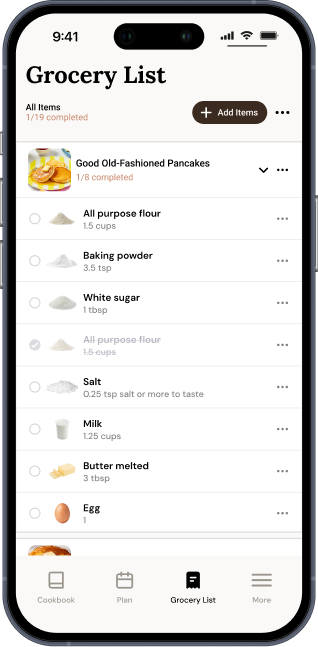
Households
Share one grocery list and meal plan with your household, synced live. When someone grabs the milk, it's checked off for everyone.
Cook mode
Big step-by-step instructions that keep your screen awake — and flip to the next step when you wave your hand over the phone.
Questions

Yes — Masterplan is free to download and use, including 20 recipe imports a month, meal planning a week ahead, and shared grocery lists. Masterplan Edition unlocks unlimited imports, nutrition info, cook mode, bigger households, and unlimited planning.
Instagram posts and reels, TikToks, any recipe website, and photos — cookbook pages, printed cards, even handwriting. Share it to Masterplan (or snap a picture) and it becomes a clean, editable recipe.
Invite your partner, family, or roommates and you'll share one live-syncing grocery list and meal plan. Households of two are free; Edition unlocks bigger ones.
Masterplan is iPhone-only for now. If enough people ask, that could change — tell us at team@joinmasterplan.com.
Every Edition plan starts with a free trial — you won't be charged until it ends, and you can cancel anytime in your App Store settings. We'll remind you before the trial converts.